
Choosing a laptop for creative work: test the whole project
Balance memory, storage, display, connectivity and application support around the work you need to finish.
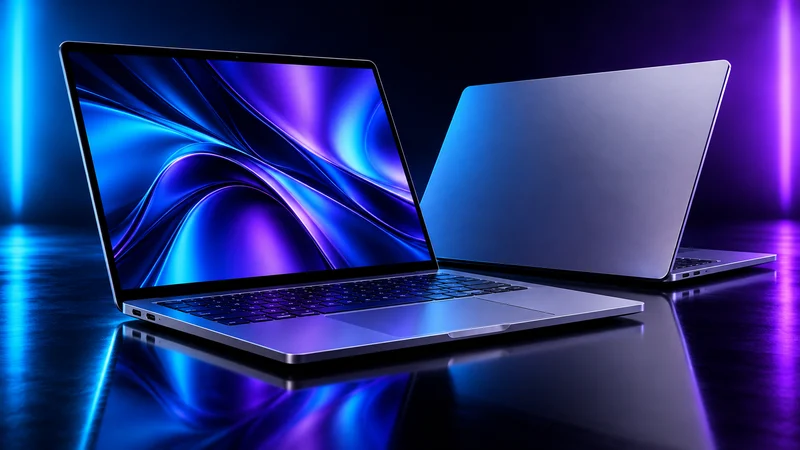
Describe the project before the specification
A useful laptop shortlist starts with your applications and representative projects. Note the media formats, typical project size, external displays and accessories you need. A machine that handles short edits well may not suit the same editor's larger or more complex work.
Apple's MacBook Pro page is one source for current hardware details, but a product page is not an independent comparison. This guide does not claim to have benchmarked every laptop or identify a universal best model. It explains a process you can apply across compatible systems.
Look for the actual bottleneck
Record where your current workflow slows down: importing files, building caches, interactive editing, rendering or final export. Check whether storage capacity, memory or a particular application requirement is involved. An upgrade should connect to a documented problem.
Use a representative project when reviewing test results. A benchmark from a different media format or effect may not answer your question. Include sustained work, fan behavior and the experience of switching between the applications you actually keep open.
Budget for the surrounding setup
Check the ports, display connections, charging arrangement and accessories needed for your desk and travel setup. Include external storage, backup and any adapters in the total cost. Test a critical capture or audio device before assuming it will work in the new system.
Inspect the display for your intended use and consider where color-sensitive approval happens. Screen size, brightness and resolution are only part of the editing experience. Ergonomics and a reliable connection to the rest of the setup matter during a long working day.
Make the purchase decision reversible where possible
Confirm software compatibility and current support details directly. Read the retailer's return terms and use any permitted evaluation period to open a real project, transfer files and produce a final export. Keep the old workflow available until the new one has passed that trial.
Choose the system that makes your complete project dependable. The fastest isolated result is less valuable if your essential application, accessory or handoff becomes unreliable. Keep a brief record of why you chose the configuration so future upgrades begin with evidence rather than memory.
Questions & answers
How much memory do I need?
Use the application's requirements and a representative project to decide. There is no single amount that fits every creative workload.
Should I compare desktop and laptop GPUs by name?
Evaluate the complete system and its actual configuration. Product-family names do not make the implementations equivalent.
What should I test before retiring the old computer?
Open a real project, connect required accessories, transfer media and produce the final delivery format.
Sources & further reading
Product details should be checked against these primary sources. Editorial recommendations are our interpretation; they are not hands-on benchmark results.
Keep reading

NVIDIA RTX 50 Series: AI-powered graphics meet the real workflow
Blackwell puts AI at the center of NVIDIA's graphics platform. Here is what to examine before choosing a GPU for gaming or creative work.

Build an AI creative workflow that survives a revision
Organize briefs, references, prompts, approvals and exports so the next person can continue the work.
iPhone 16 Pro Max: what creators should check before buying
Look beyond the spec sheet and test capture, storage and editing against the way you actually make content.